Photography etiketine sahip kayıtlar gösteriliyor. Tüm kayıtları göster

2 Temmuz 2013 Salı

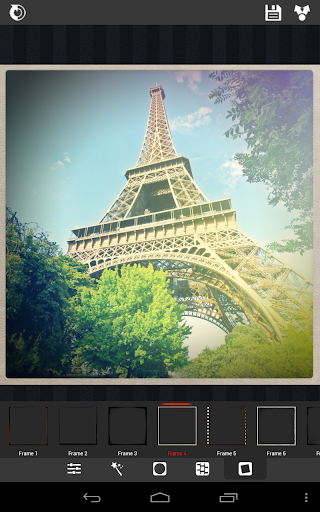
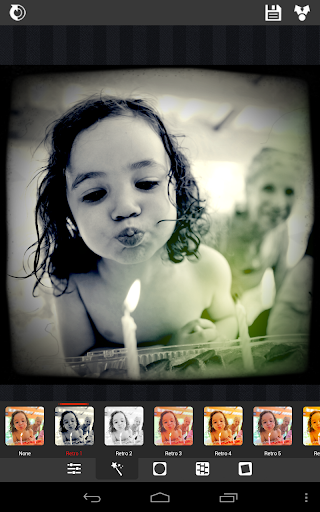
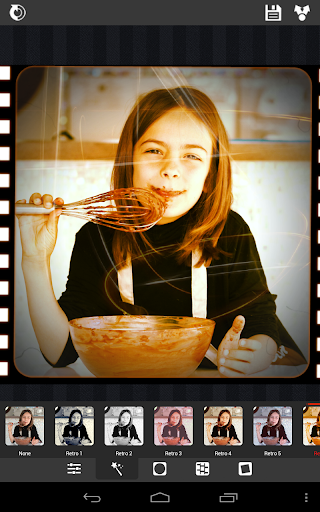
XnRetro Pro v1.26 APK


The paid, ad-free version of the free XnSketch app, with more frames!


XnRetro Proplay.google.com.XnRetroPro
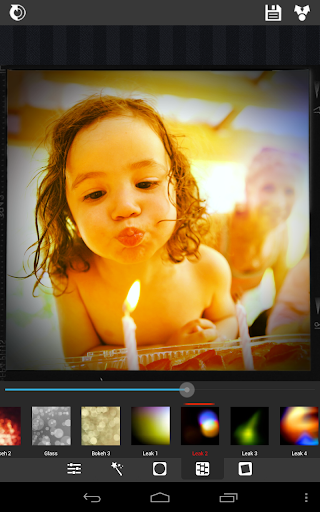
With XnRetro, you can easily create stunning images with vintage or instant effect.

Features:
  • Different color effects
  • Different frame borders
  • Contrast, brightness and saturation adjustement
  • Vignetting
  • Save in gallery
  • Share with your friends with Instagram, Twitter, Facebook, Email, ...
What's in this version : (Updated : Jun 6, 2013)
  • Problem to take photo on some device
Required Android O/S : 2.2+

Screenshots :


Download : 7.3Mb APK

1 Temmuz 2013 Pazartesi

fotodanz+ v1.6.5 APK


HIGHER QUALITY, 4x ZOOMING, ANIMATED EDIT MODE & MORE!


fotodanz+play.google.com.fotodanzPlus
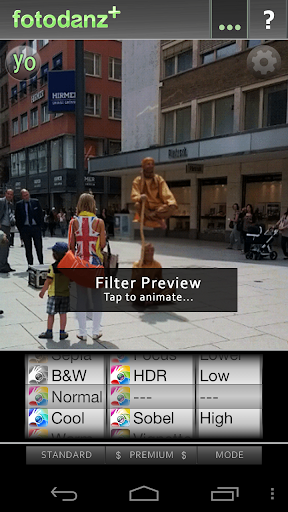
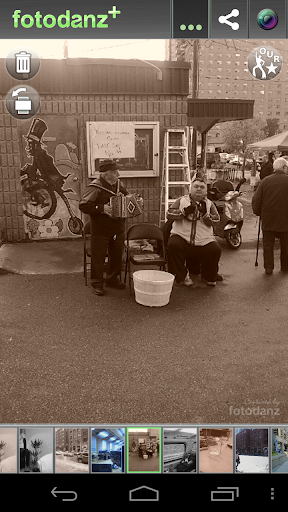
Be incredibly creative with your camera! fotodanz+ makes it super simple to create cool animated photographs (cinemagraphs) and lets you refine your fotodanzes in ANIMATED Edit Mode now. You can pinch-out for zooming in Capture and Edit modes, Zoom/Pan and circle regions, Trim video clip and select starting frames for smoother animations. You can also change looping speed and direction for added fun.

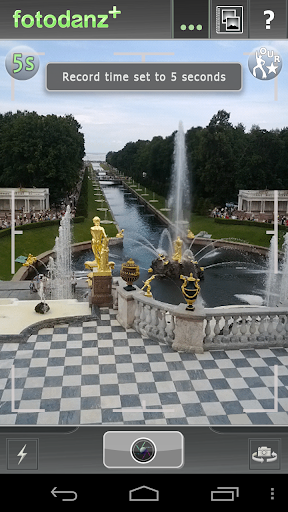
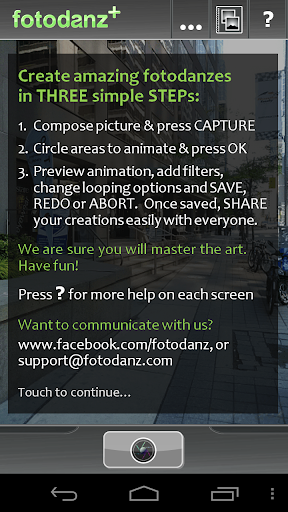
Take fotodanzes in THREE simple steps. You simply compose, shoot a short video clip (3 or 5s), circle the area(s) to animate, press Ok and you are ready to share your creations with the world. It is that easy!

For those who like to keep your creations, fotodanz+ saves your images using animated PNG format for smother higher quality color renditions. It automatically converts your images to GIFs when sharing so the images can be viewed easily and the file sizes are smaller for sharing. Note that GIF format can only handle 256 colors so the quality of the files shared are limited by this format.

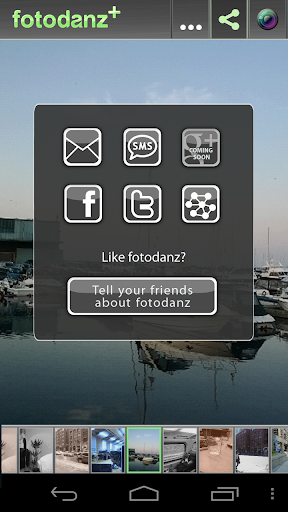
Your fotodanzes are saved locally under pictures\fotodanz folder in png format. You can access them and share them anyway you like. We have made it easy to share via Facebook, Twitter and SMS. We have enabled Generic Sharing too. For more privacy, you can share directly via emails. Enjoy!

How it Works:
  1. Compose and press capture (fotodanz will automatically record 3 or 5 seconds of video)
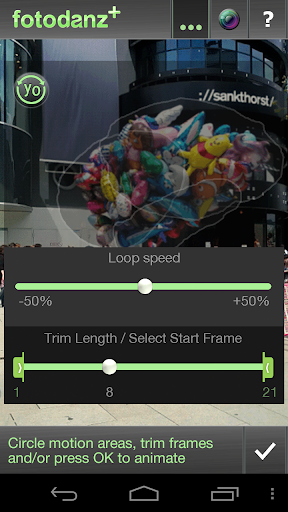
  2. Now circle the region(s) to animate and press Ok (you can double-tap to redo the circles)
  3. Preview animation, add filter effects and/or select looping options. 
  4. Press Ok to save and you are ready to share!
What's in this version : (Updated : Jun 28, 2013)
  • minor bug fixes and code refinements
  • New features in PLUS version:
    • Higher Quality (animated PNG format)
    • Animated Edit mode
    • Zooming in Capture mode
    • Zooming/Panning in Edit Mode for selecting animation regions
    • Edit controls for trimming video, selecting looping mode and changing looping speed
    • No Watermark
Required Android O/S : 3.0+

Screenshots :


Download : 5.5Mb APK

30 Haziran 2013 Pazar

Color Splash Effect Pro v1.4.8 APK


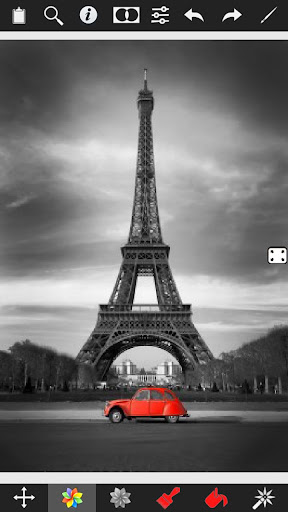
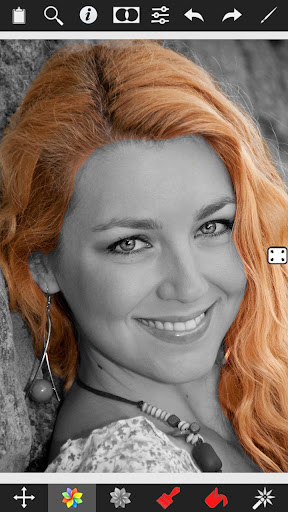
Color Splash convert photos to gray and let you choose details in color!


Color Splash Effect Pro play.google.com.colorsplasheffect.pro
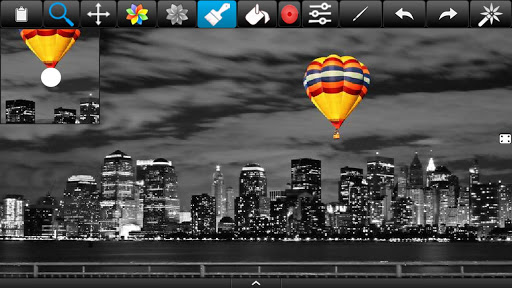
Color Splash Effect lets you quickly and easily give photos a dramatic look by converting them to black and white, while keeping your chosen details in color. This effect draws the viewers' attention to the colored areas, creating striking images.

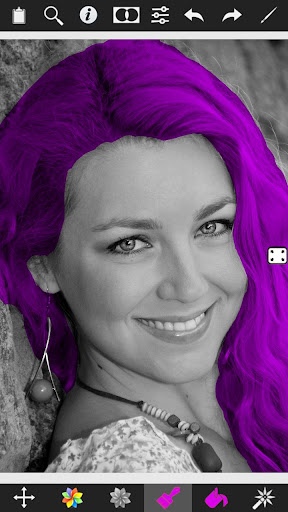
Most selective coloring apps give you 2 painting choices: Gray or original color. Color Splash Effect gives you this PLUS the ability to paint nearly ANY color!

The intuitive and responsive multi-touch user interface makes Color Splash Effect amazingly easy and fun to use. Use your finger as a brush to "paint" sections of your image black and white, or to bring back the original color. Zooming in and out using the two-finger pinching gesture allows you to work on details with pixel-accuracy.

Features:
  • Share your edited images on Facebook.
  • Save multiple sessions to resume your work later.
  • Undo any number of accidental brush strokes.
  • An alternative view mode highlights the regions that will remain in color with a red tint. This makes it easier to see and adjust the boundaries between color and black & white regions.
  • Choose from 4 different brushes (hard or soft edged, opaque or transparent)
  • Work in landscape or portrait orientation.
  • Hide the toolbars in full screen mode.
  • Optimized for tablets
  • Pinch zoom(zoom with fingers)
  • Scalable brush size
  • Change colors of your photos
What is more than others
  • Provides highest resolution results.
  • Provides landscape and portrait mode.
  • Two different user interface designs, one for phones and one for tablets.
  • Tablet design provide more space for photos.
  • Most realistic color replace operation unlike other apps.
What's in this version : (Updated : Jun 29, 2013)
  • New frames
  • New effects
  • New light effects
  • New textures
  • Thousands of effect combinations
  • New Adjustment tools
  • Contrast adjustment
  • Warmth adjustment
  • Brightness adjustment
Required Android O/S : 2.1+

Screenshots :


Download :11Mb APK

28 Haziran 2013 Cuma

Handy Photo v1.1.2 APK


Welcome to creative photo editing!



Handy Photoplay.google.com.handyphoto
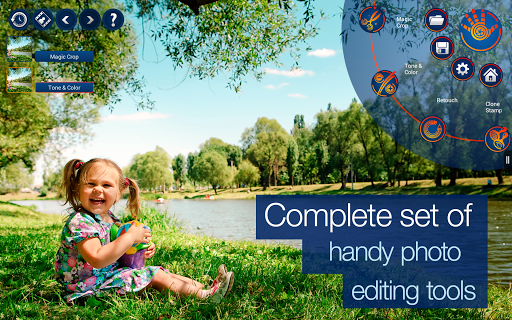
Handy Photo was designed for those with a strong passion for photo editing. The app is a perfect choice when it comes to correcting and enhancing photos from all possible angles.

Edit your photo with the Handy Photo's complete set of truly powerful tools and obtain the results that will definitely impress you and all those viewing your works of art.

Uncrop your photos in a unique way
The tool is called Magic not accidentally. It enables the users to uniquely uncrop photos. No other app could do it. The Magic Crop is unique for one more reason. It allows straightening a crooked horizon without sacrificing the photo’s original size.

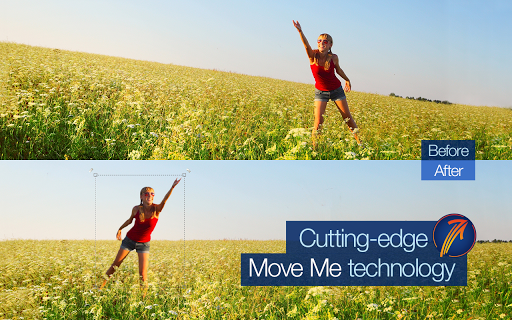
Let the objects in your photos come alive
Is it possible to move the objects in your photos in just a few taps? The answer is yes when it comes to the Move Me tool. Carry the object to any other place or photo and be satisfied that it suits there to a tee.

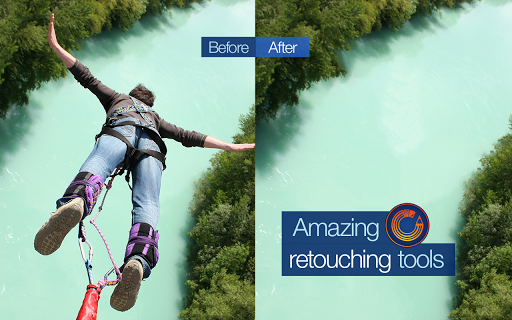
Perform photo retouching in the best possible way
Remove all undesired objects and blemishes from your photos in a tap. Mobile retouching has never been so fast and easy.

Color and tone balance your photos
Thanks to a complete toolset for adjusting color and tone of photos, you can properly balance your images’ Brightness, Contrast, Saturation, Warmth, Shadows, Highlights, etc. levels to make the photos look vivid and natural.

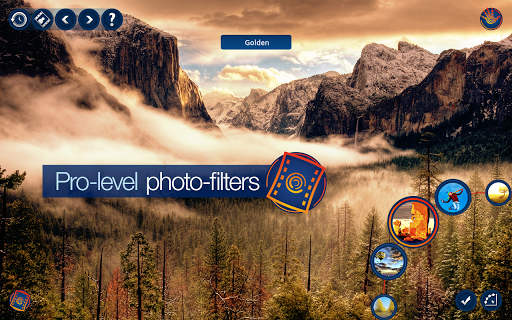
Apply stunning photo filters
A total of more than twenty filters, namely Black and White, Bleach Bypass, Color Standout, Cross Process, Dramatic, Duotone, Fog, Glow, Golden, HDR, Halftone, Ink, Lomo, Old Photo, Polarization, Polaroid, Sepia, Sketch, Smart Contrast, Tilt Shift, Tiny Planet, Vignette, and Vintage, are always at your disposal in case you feel like changing the atmosphere of any of your photos. All they are equally amazing, easy to adjust and apply, and flexible to work with.

Add marvelous textures
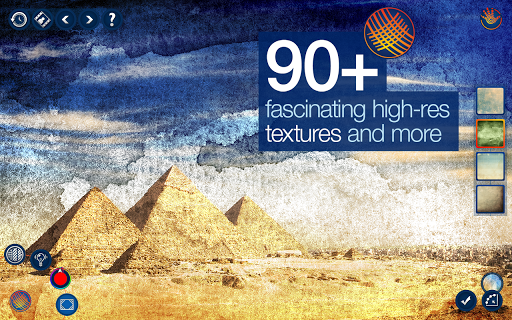
Create the atmosphere of your photo stories yourself with the Handy Photo’s pack of terrific textures (more than 90). Apply them to enhance your photos and make them truly pop. You can select from the following groups of textures: Cloth, Clouds, Frost and Ice, Grunge, Paper, Water, Wood.
The textures are adjustable, so make some settings to the texture you have selected, apply it, and you will become even more fascinated with your photo.

Add attention-grabbing frames
Before showing your photo to the whole world, it’s quite important to appropriately frame it. The Handy Photo’s excellent collection of frames serves just that purpose. Put the final touches on your photos by adding the following frames to them: Carton, Film, Grunge, Photo Album, Polaroid, and Retro Photo.

Features:
  • Move Me technology for intellectual objects extraction and moving
  • Magic Crop tool with unique photo “un-cropping” function
  • The best retouching technology for mobile platforms
  • Impressive collection of professional photo filters
  • Complete sets of high quality textures and frames
  • 100% size image viewing
  • Up to 36 MP support
  • Optimized for multi-core and GPU processors
  • Stylish and intuitive UI
What's in this version : (Updated : Jun 27, 2013)
  • Added possibility to open RAW images
  • Added possibility to download textures
  • Optimized app binary size
  • Improved UI
  • Fixed some bugs
  • Made some improvements
Rewired Android O/S : 2.3+

Screenshots :


Download : 33Mb APK